Meta Custom Audience vs Lookalike Audience: which should you use?
Compare Meta Custom Audiences and Lookalike Audiences, understand retargeting versus prospecting, and choose the audience type that matches your campaign decision.
Quick answer
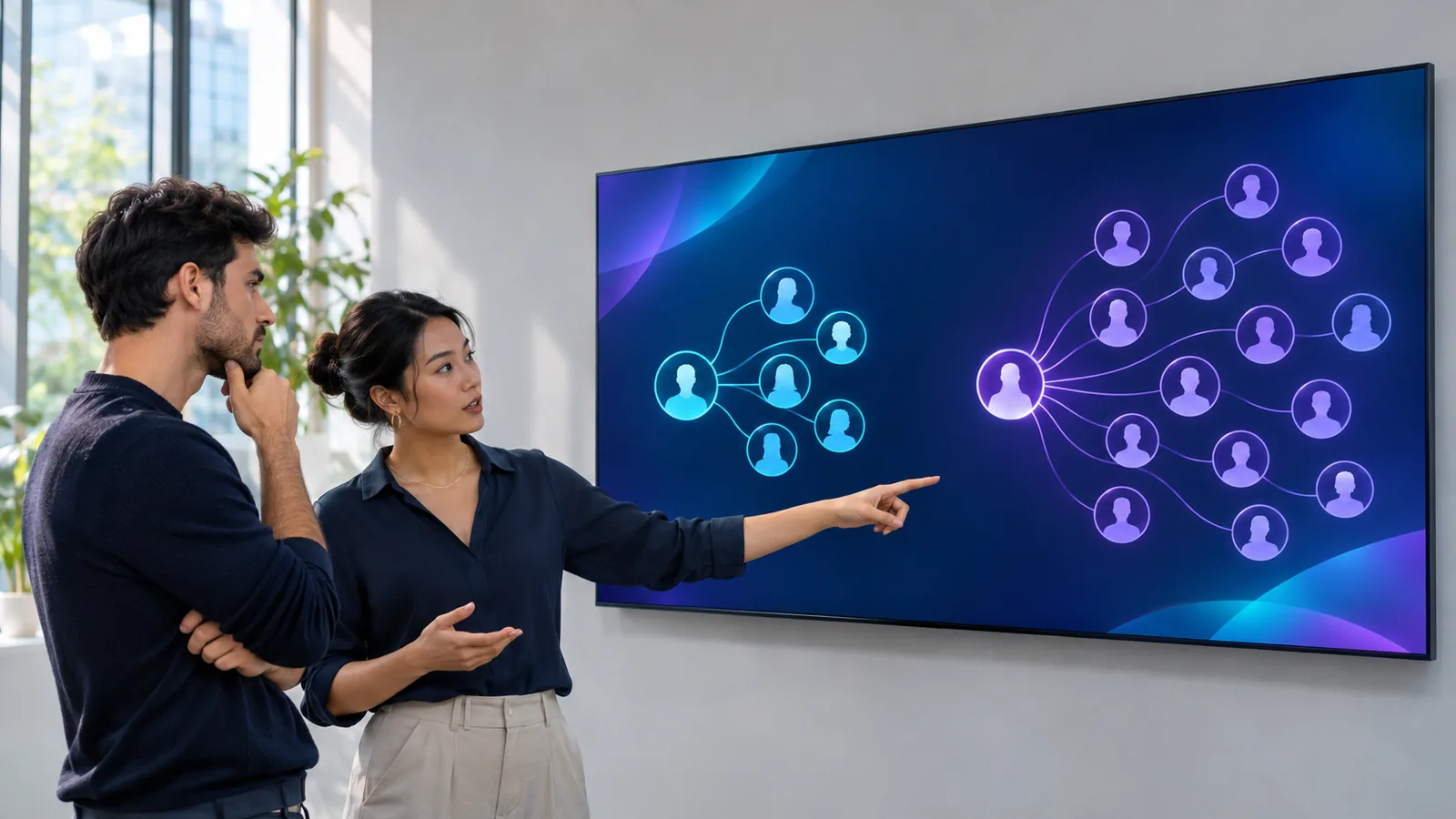
Use a Custom Audience to reach people with an existing relationship or interaction signal. Use a Lookalike Audience to prospect for new people who resemble a qualified source audience.
Quick answer: Custom Audiences reconnect; Lookalikes prospect
Use a Meta Custom Audience when the campaign should reach people connected to a source you already control or can legitimately use, such as a customer list, website activity, app activity, or engagement with your business on Meta. Use a Lookalike Audience when the campaign should find new people who share characteristics with a selected source audience.
The choice is therefore not simply small audience versus large audience. It is a lifecycle decision: Custom Audience for a known or observed relationship, Lookalike Audience for new-customer discovery from a source pattern. Neither audience type fixes weak source data, poor exclusions, an unsuitable offer, or a broken conversion signal.
- Custom Audience: reach or exclude people represented by your first-party or Meta engagement source.
- Lookalike Audience: find new people similar to a chosen source audience.
- Retargeting decision: which known behavior or relationship makes someone eligible?
- Prospecting decision: which source best represents the new customers you want more of?
What a Meta Custom Audience is for
Meta describes Custom Audiences as audiences built from people who already know your business, using sources such as customer lists, the Meta Pixel, the Facebook SDK, and engagement across Meta technologies. The exact source determines what membership means: a site visitor, app user, customer record, video viewer, lead-form participant, or another supported interaction is not automatically equivalent to a buyer.
Use a Custom Audience when the relationship itself matters to the campaign. That may mean retargeting recent product viewers, following up with engaged prospects, cross-selling customers, or excluding existing customers from acquisition. Document the source, inclusion rule, retention window, refresh process, and exclusions before judging performance.
- Source identity: customer list, website, app, offline activity, or supported Meta engagement.
- Membership rule: the exact action or record that places someone in the audience.
- Time window: how recently the qualifying action must have happened.
- Campaign role: include for retargeting or exclude from prospecting where appropriate.
What a Meta Lookalike Audience is for
Meta defines a Lookalike Audience as a way to reach new people who are likely to be interested because they share characteristics with existing customers or another selected source. The source is the training example for the audience decision, so its business meaning matters more than the label attached to it.
A source of verified purchasers, qualified opportunities, or retained high-value customers may encode a different pattern from all website visitors or every lead. That does not guarantee the narrower source will win: it may be too small, stale, geographically mismatched, or measured inconsistently. Treat source quality as a hypothesis to test against qualified outcomes.
- Source: identify the exact Custom Audience, Page, Pixel, app, or other available source used.
- Outcome quality: prefer a source tied to the business result the campaign should reproduce.
- Market: confirm the destination geography and business constraints match the intended campaign.
- Evaluation: compare new-customer or qualified-prospect outcomes, not clicks alone.
Choose by funnel role before comparing performance
Start with the job of the ad set. A warm retargeting ad set and a cold prospecting ad set should not be treated as interchangeable test cells because they address different stages and different available populations. A Custom Audience can convert more efficiently because members already know the business, while a Lookalike can create more incremental reach among new prospects.
Write one audience contract before launch: who is eligible, who is excluded, what prior relationship is expected, and which downstream outcome decides success. For acquisition, preserve customer and recent-converter exclusions where the setup allows them. For retention or cross-sell, do not accidentally exclude the very customer cohort the campaign is designed to reach.
- Retargeting: use a Custom Audience whose qualifying action matches the follow-up message.
- Prospecting: use a Lookalike when a defensible source can guide new-person discovery.
- Exclusion: keep warm or customer cohorts out of a clean acquisition comparison when required.
- Commercial result: define new customer, qualified lead, repeat buyer, or another lifecycle outcome explicitly.
Audit the source before trusting the audience name
An audience named high-value customers may contain refunds, test orders, duplicate records, old buyers, or customers from a different market. A website-visitor audience may mix one-second visits with repeated product research. Before selecting either audience type, verify how the source is populated and whether its rule still matches the campaign brief.
For a Lookalike source, reconcile stable source records with the business system and check recency, geographic fit, outcome validity, and refresh cadence. For a Custom Audience, verify the inclusion event or list, membership window, exclusions, and whether the audience is large enough to deliver without exposing individuals or relying on misleadingly precise estimates.
- Validity: remove test, duplicate, refunded, spam, or otherwise ineligible records where applicable.
- Recency: decide whether old behavior still predicts the current offer and market.
- Consistency: use the same outcome definition across source creation and campaign reporting.
- Privacy and permissions: use only data the business is permitted to upload and activate.
Run a comparison that answers one audience question
If the account has enough budget and qualified outcome volume, compare audience strategies while holding objective, optimization event, attribution setting, budget model, bid strategy, placements, creative, destination, dates, and account time zone as constant as possible. Preserve immutable campaign and ad set IDs rather than relying on names.
Do not compare a warm Custom Audience directly with a cold Lookalike and conclude that one targeting technology is universally better. Compare retargeting strategies within the same lifecycle stage, or compare prospecting sources within the same acquisition stage. Judge spend and delivery first, then qualified outcomes, new-customer share, revenue quality, margin, or lead quality.
- One lifecycle stage: avoid warm-versus-cold conclusions disguised as audience tests.
- One intentional difference: source or audience type, not a bundle of creative and budget changes.
- One mature window: allow reporting and downstream outcomes time to settle.
- One decision: retain, replace, refresh, or exclude the audience based on the campaign contract.
Keep this choice separate from nearby audience problems
This guide owns the source-and-lifecycle decision: reconnect with a known group through a Custom Audience or prospect for similar new people through a Lookalike Audience. The Advantage+ audience guide decides whether inputs behave as controls or expandable suggestions. The small-retargeting-audience guide diagnoses insufficient warm-audience volume, while the existing-customer guide diagnoses prospecting leakage into customer cohorts.
The broad-targeting guide starts after a broad strategy has stopped working. Those are different symptom-to-decision paths. Related routes: /blog/meta-advantage-audience-vs-original, /blog/why-are-meta-ads-retargeting-audiences-too-small, /blog/why-are-meta-ads-reaching-existing-customers, and /blog/why-meta-ads-broad-targeting-stopped-working.
How an AdSpecIt-style audit helps
An AdSpecIt-style audit can inspect Custom Audience and Lookalike Audience use across ad sets, audience-size context, exclusions, duplicate targeting signatures, retargeting activity, campaign objectives, optimization goals, bid strategies, daily budgets, statuses, campaign spend, and account-level performance. That helps reveal missing exclusions, duplicated segments, weak source alignment, and broader delivery or tracking problems that should shape the audience decision.
The connected product currently does not ingest the complete audience membership rule, source-record quality, retention window, Lookalike percentage, explicit Advantage+ control-versus-suggestion state, ad-set-level performance, or downstream customer and lead outcomes. Capture those inputs from Ads Manager and business systems before making the final recommendation. The audit can organize the diagnosis; it cannot certify an unseen source list.
Sources and further reading
Research checked on 2026-11-07. Meta's Business Help Center establishes the platform definitions and available source concepts. Sprout Social provides current practitioner context for distinguishing warm Custom Audience retargeting from new-person Lookalike prospecting. Source-quality checks, controlled-test design, lifecycle metrics, and business-system reconciliation above are practitioner recommendations.
- Meta Business Help Center — About custom audiences: https://www.facebook.com/business/help/744354708981227
- Meta Business Help Center — About Lookalike Audiences: https://www.facebook.com/business/help/164749007013531
- Sprout Social — What are Facebook Lookalike Audiences?: https://sproutsocial.com/glossary/facebook-lookalike-audience/
Want AdSpecIt to audit your own account?
Connect your Meta Ads account, get a free score, and see the issues most likely to be hurting campaign performance before you spend more.
Get your free audit